
MyBL
Communication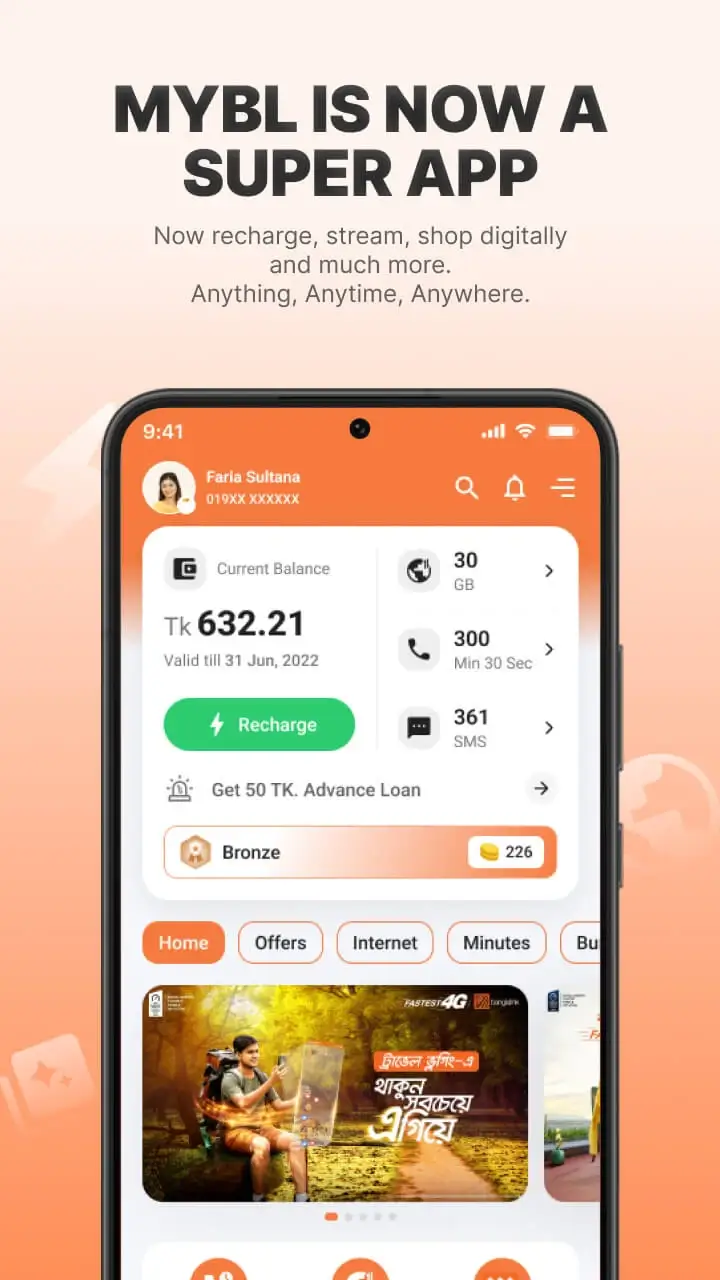
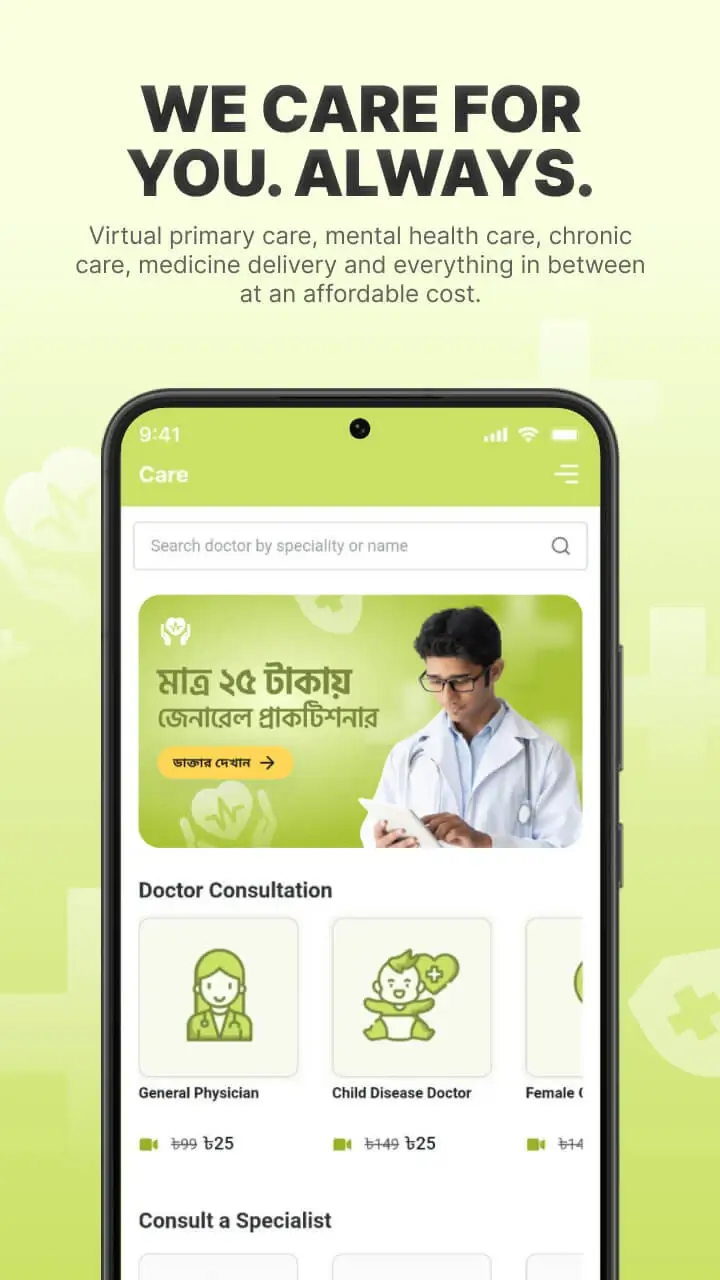
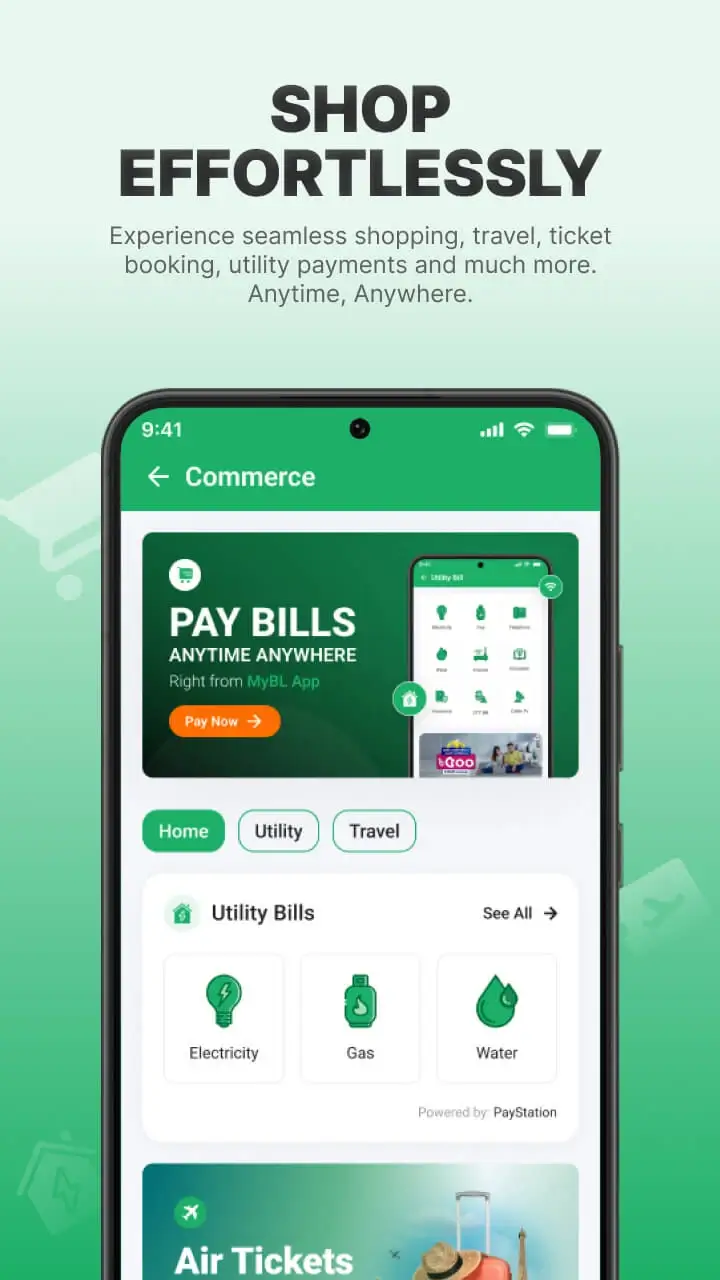
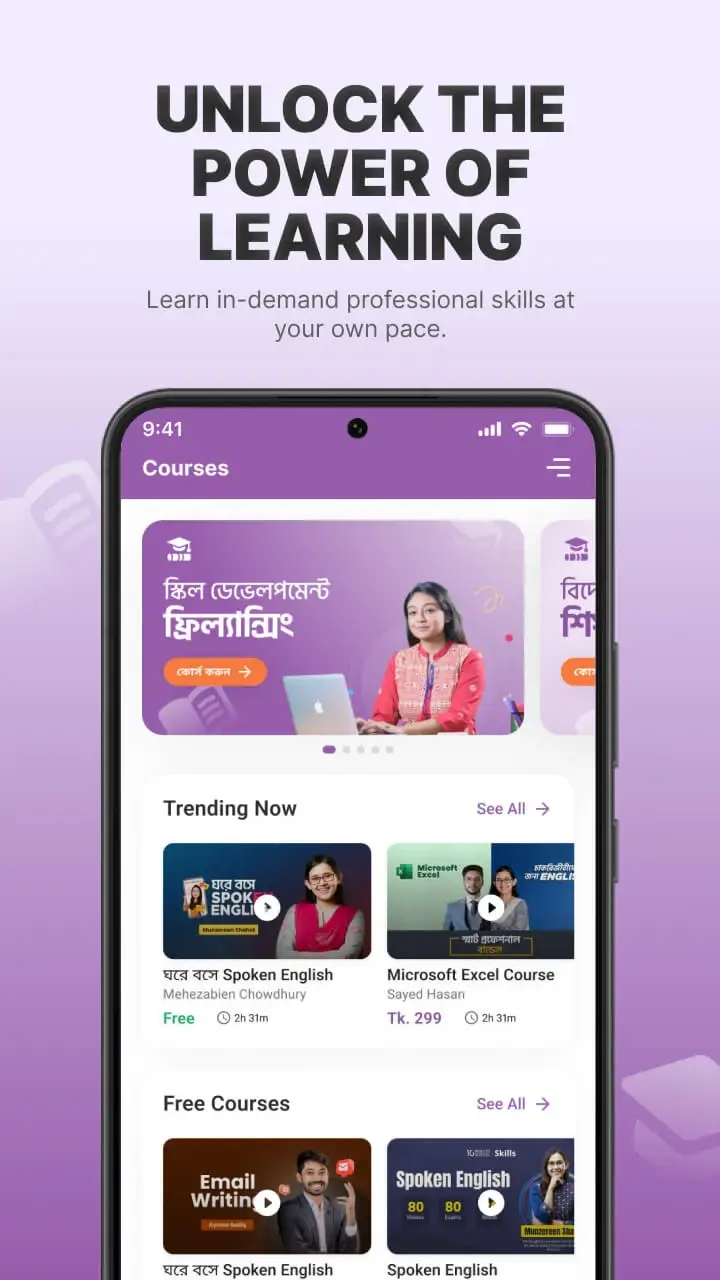
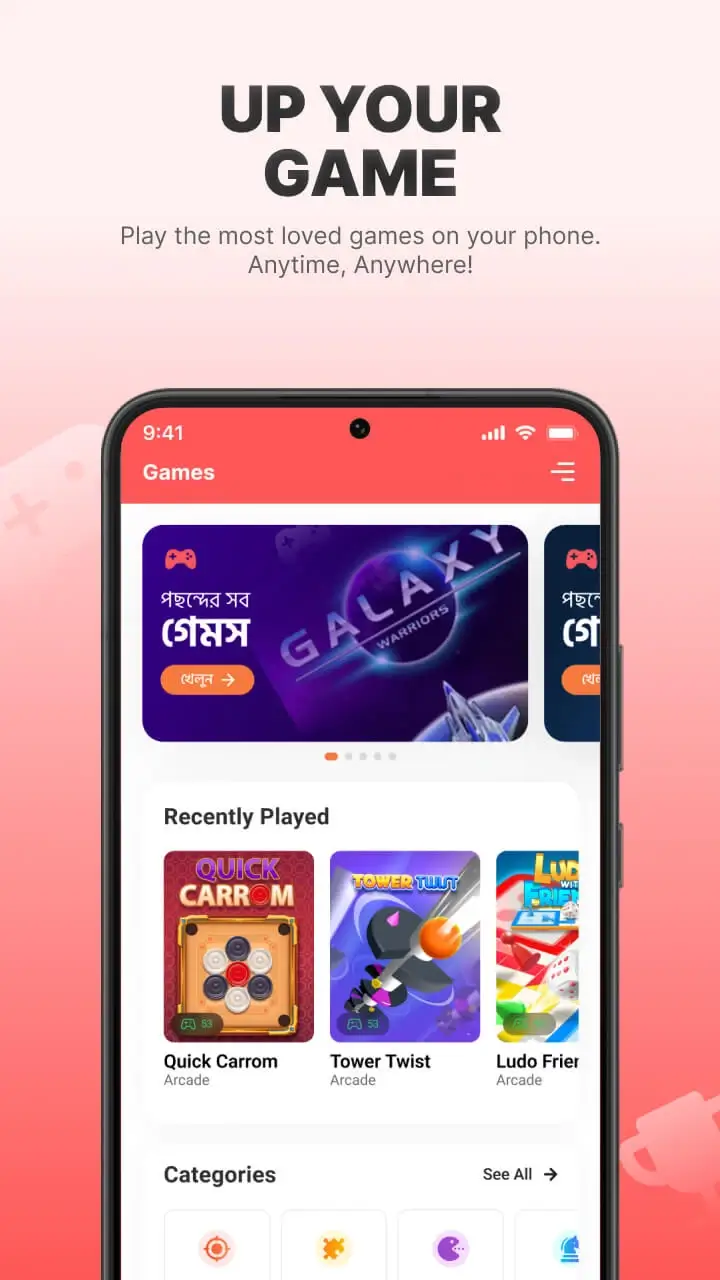
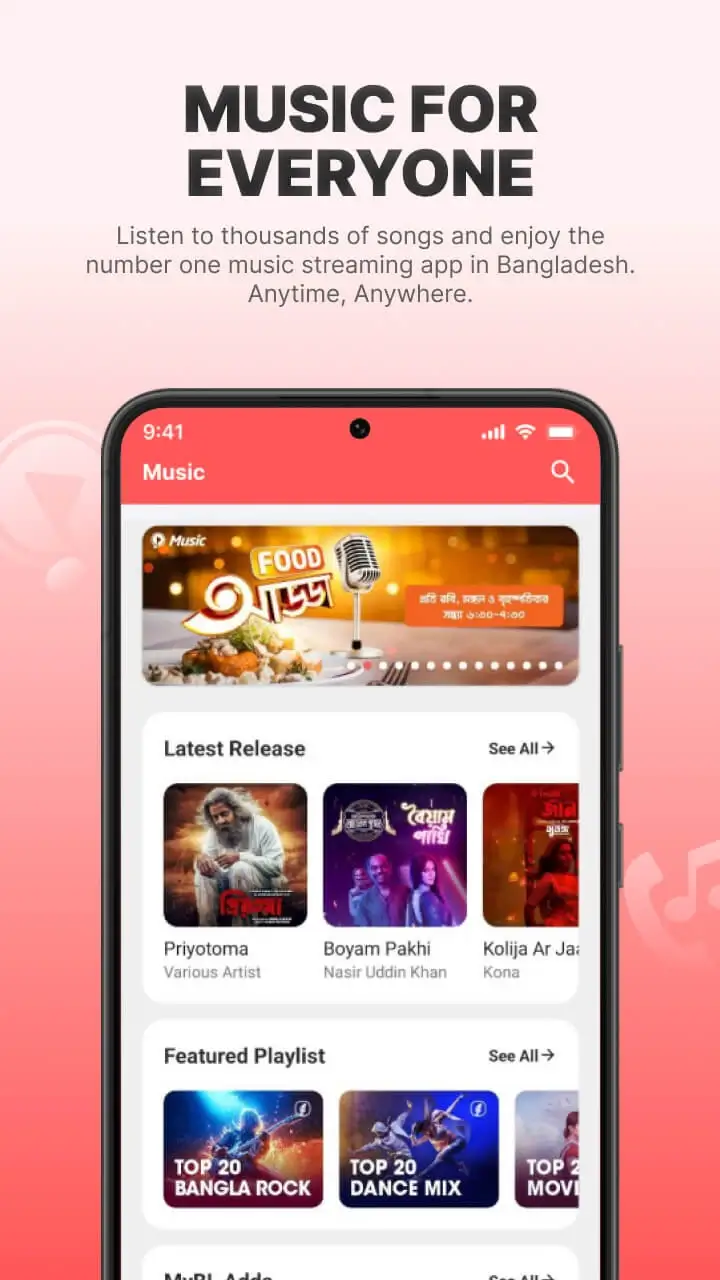

MyBL (also known as My BanglaLink) is a Bangladeshi‑focused mobile application that bundles a range of telecom‑related services into a single interface. It lets users recharge prepaid balances, check data usage, manage SIM details and access other digital utilities offered by local operators.
Designed for everyday phone users in Bangladesh, the app aims to replace multiple carrier‑specific apps with one convenient hub. The latest build, version 12.6.0, was updated on 3 June 2026 and is packaged at 77.53 MB.
Quick Information
| App/Game Name | MyBL |
| Latest Version | 12.6.0 |
| Developer | Not listed |
| Category | Apps / Communication |
| App Size | 77.53 MB |
| Package Name | com.arena.banglalinkmela.app |
| Last Updated | 3 June 2026 |
What Is MyBL?
MyBL is a communication‑tool app that aggregates services from Bangladeshi telecom providers. Core functions include mobile credit top‑up, balance inquiry, data package purchase, and SIM card management such as number change or plan activation. The app targets anyone who prefers handling these tasks from their Android device rather than visiting a physical outlet or using separate carrier apps.
While the app covers many common telecom actions, it does not replace the need for an active mobile connection or a valid Bangladeshi SIM card. Some advanced features may be limited to specific operators, and the app does not provide messaging or voice‑call capabilities on its own.
Compatibility
| Android Version | Not Verified |
| Architecture (ARM64 / 32-bit) | ✓ Verified — Supports common device architectures |
| Internet Connection | ✓ Verified — May be required for ads, updates, or login |
| Storage Needed | Not Verified |
| OBB/Data Files | Not Verified |
| Root Required | Not Verified |
How to Install
- Enable Install unknown apps for the browser or file manager you will use (Settings → Apps → Special app access → Install unknown apps).
- Download the MyBL APK file to your device.
- Open the downloaded file and tap Install.
- Once installation finishes, launch MyBL from the app drawer.
- Log in with your mobile number and follow the on‑screen prompts to activate the services you need.
Troubleshooting
- App not installed: Verify that the APK is complete and not corrupted. Ensure you have allowed installations from unknown sources.
- Crashes on startup: Clear the app cache (Settings → Apps → MyBL → Storage → Clear cache) or reinstall the latest version.
- Login or verification failures: Make sure you have a stable internet connection and that the phone number you enter matches the SIM card inserted in the device.
- Features not responding: Some functions depend on the carrier’s backend; try again later or contact your provider if the issue persists.
Safety & Security
MyBL is a standard Android package that has been modified only by its original developer. When downloading any APK, always use a reputable source and scan the file with an up‑to‑date antivirus app. Review the permissions requested during installation; the app should only need access to network, phone state, and storage for its core functions. Avoid entering sensitive personal data (e.g., banking credentials) unless you are certain the app is authentic and up to date.
Alternatives
- bKash – A widely used mobile financial service that also offers prepaid top‑up and bill payments.
- Nagad – Another national e‑wallet that includes mobile recharge and SIM‑related services.
- Rocket (Banglalink) – The official app for Banglalink users, providing similar recharge and account management features.
- GP (Grameenphone) App – Official app for Grameenphone customers, covering balance checks and data package purchases.
Final Verdict
MyBL is a handy all‑in‑one solution for Bangladeshi mobile users who want to manage their telecom services without juggling multiple carrier apps. It works well on Android 5.0 and above, but the experience may vary depending on the operator and network conditions. Before installing, verify the APK’s integrity and be mindful of the permissions it requests. If you prefer an official carrier app or a dedicated e‑wallet, the alternatives listed above are worth considering.
Frequently Asked Questions
Download MyBL only from trusted sources, scan the APK with an antivirus, and check the permissions it requests before installing.
MyBL works on Android 5.0 (Lollipop) and newer, though performance improves on recent versions.
Yes, the app requires an active internet connection to communicate with telecom servers for recharge and account queries.
The core features are tied to Bangladeshi mobile numbers, so a local SIM is needed for most functions.
This can happen if the APK is incomplete, if unknown sources are blocked, or if the device lacks sufficient storage.
Download the newest APK from a reliable source and reinstall it; the installer will replace the older version while keeping your data.
The app accesses your phone number and usage details to provide services, but it should not store unrelated personal information.
MyBL itself is free to download; any charges come from the telecom services you purchase through the app.